
The starter won’t turn.
Choose No Crank. Record key-on data, mark the start attempt and review voltage, communication and available sensor evidence.
No Crank walkthroughGRINDER TUNES FOR WINDOWS
From the original backup to the next key turn, keep your tuning work in a workspace built around an LS or LT swap.
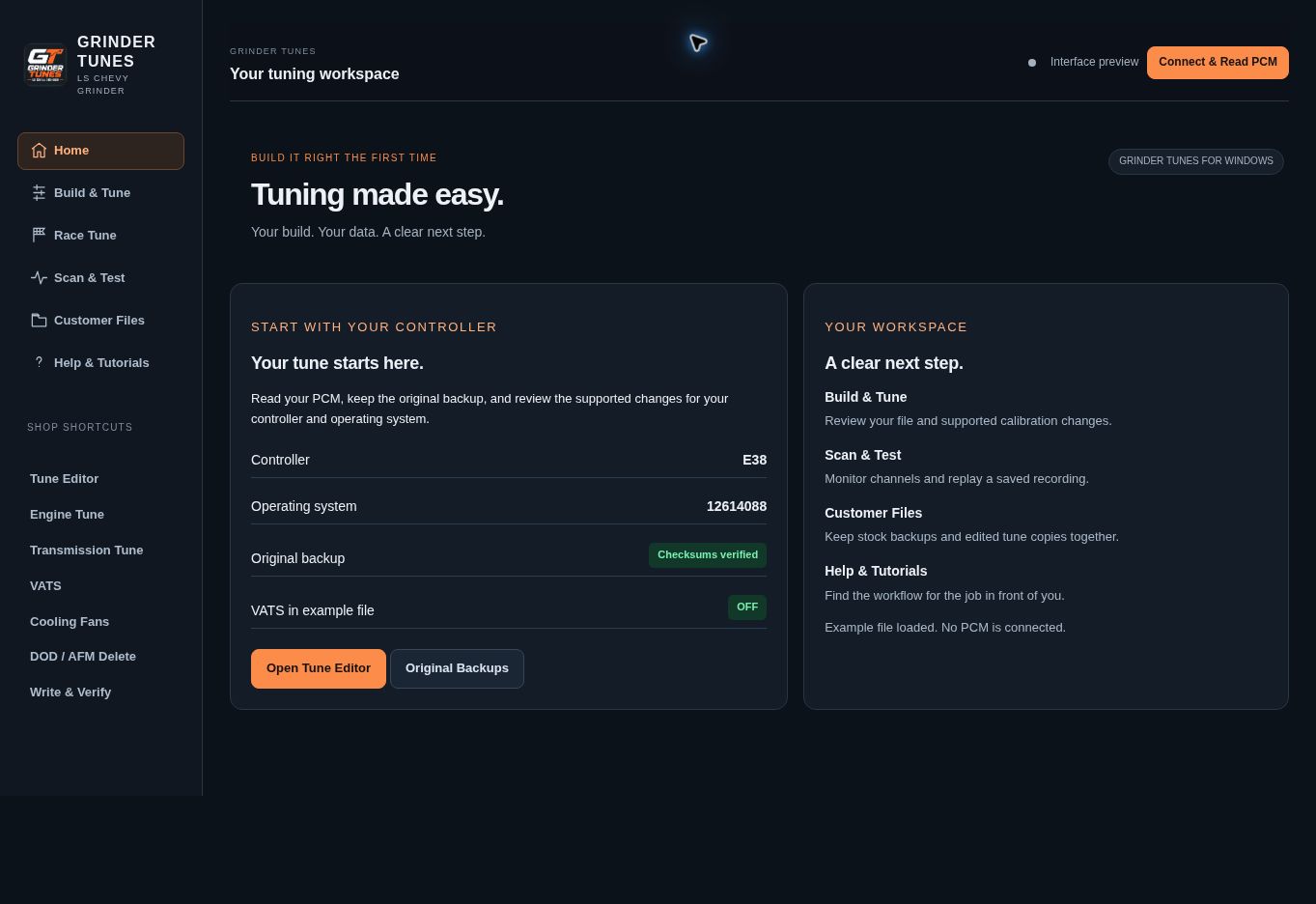
Windows interface preview · Example file
THIS IS GRINDER TUNES
Take a look inside. Your original backup, supported settings and recorded data belong in a workspace you can follow.
INTERFACE PREVIEW Example file and playback data shown
Features follow the controller and exact operating system. These previews use example files and illustrative playback data. Check current release coverage before buying for your job.
SCAN & PLAYBACK
Monitor the PCM channels available for your setup. Save the recording, replay the event and keep the log with the build.
FROM THE FIRST KEY TURN
Connect, record what the PCM reports and compare it with what you observed. Guided checks help you choose what to inspect next.
Choose No Crank. Record key-on data, mark the start attempt and review voltage, communication and available sensor evidence.
No Crank walkthroughChoose First Crank. Capture the key attempt, then review available RPM, sensor data and fault codes alongside your observations.
First Crank walkthroughSave a recording or diagnostic report with the job. Reopen it when you check the wiring, compare another attempt or ask the shop for help.
Capture and review a startAvailable ECM data gives you clues. Confirm wiring, fuel, spark and mechanical condition with the checks appropriate to the vehicle.
KEEP YOUR PCM AT THE HEART OF THE BUILD